

TriCon
At a glance: important information for trucking companies and truckers before their first terminal visit.
CONROO App in use since
Nov 2022

Hamburger Straße 59
90451 Nürnberg
Germany
Download Resources
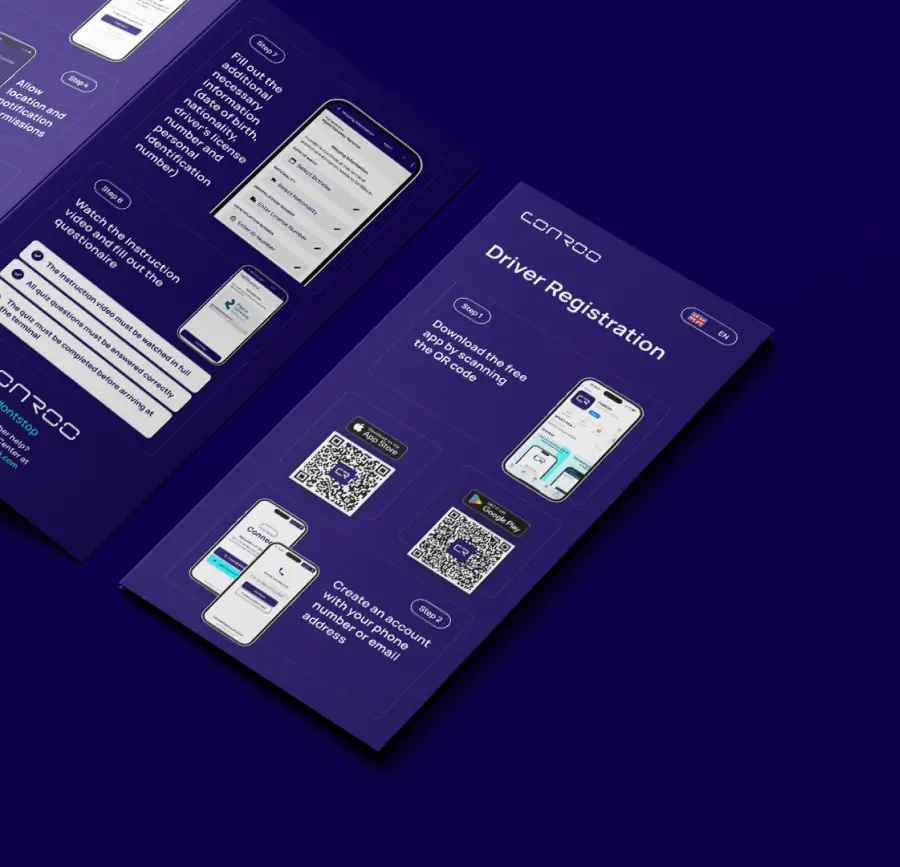
Flyers
Read our Flyer to get step-by-step instructions on how to create an account and get started.
Terminal Rules
Important Terminal Rules that all drivers must follow.

Frequently Asked Questions
For additional information please visit our help center by clicking the button below
Where can I download the CONROO App?

The application can be downloaded free of charge from the Play Store (Android) or the App Store (iOS). Please note that the newest app version is required for optimal user experience.
How do I create a Booking at a TriCon Terminal through CONROO?
Select the TriCon terminal in the tour booking section, enter the required references and select a time slot if one is required. Once the booking is successfully created, it will appear under your active bookings.
Why doesn’t the app recognize that I’m at the terminal?
Usually location access is missing. Allow the CONROO app to use your location, see Location services on iOS and Android. If check-in still fails, go to the counter on site.
Where can I download my EIR (Equipment Interchange Receipt)?
The corresponding interchanges (EIRs) can be accessed and downloaded directly through the CONROO app under the “Completed Bookings” section.